
Download Poster Maker & Flyer Designer – Poster Creator, Flyer Designer, Social Media Tools
Overview
Poster Maker & Flyer Designer is a mobile application developed for users seeking to create professional-grade visual content without requiring prior design experience. The app is designed to serve both casual users and professionals who need quick, high-quality output for promotional purposes. It enables users to generate posters, flyers, advertisements, and social media visuals with minimal effort. The core purpose of the app is to simplify the design process through intuitive tools and accessible templates, making it ideal for small business owners, event organizers, educators, and individuals managing personal projects.
By offering one-click sizing and customizable design elements, the app addresses common challenges such as inconsistent formatting, time-consuming layout adjustments, and the steep learning curve of traditional design software. Real-world use cases include creating event invitations, promotional banners for local businesses, classroom materials, or social media posts for influencers. Its focus on accessibility positions it as a valuable tool in the mobile productivity ecosystem, especially for users who rely on smartphones as their primary creative devices. The developer did not provide additional technical details about the company or background, but the app’s functionality suggests a targeted approach toward simplifying visual content creation.
Key Features & Functionality
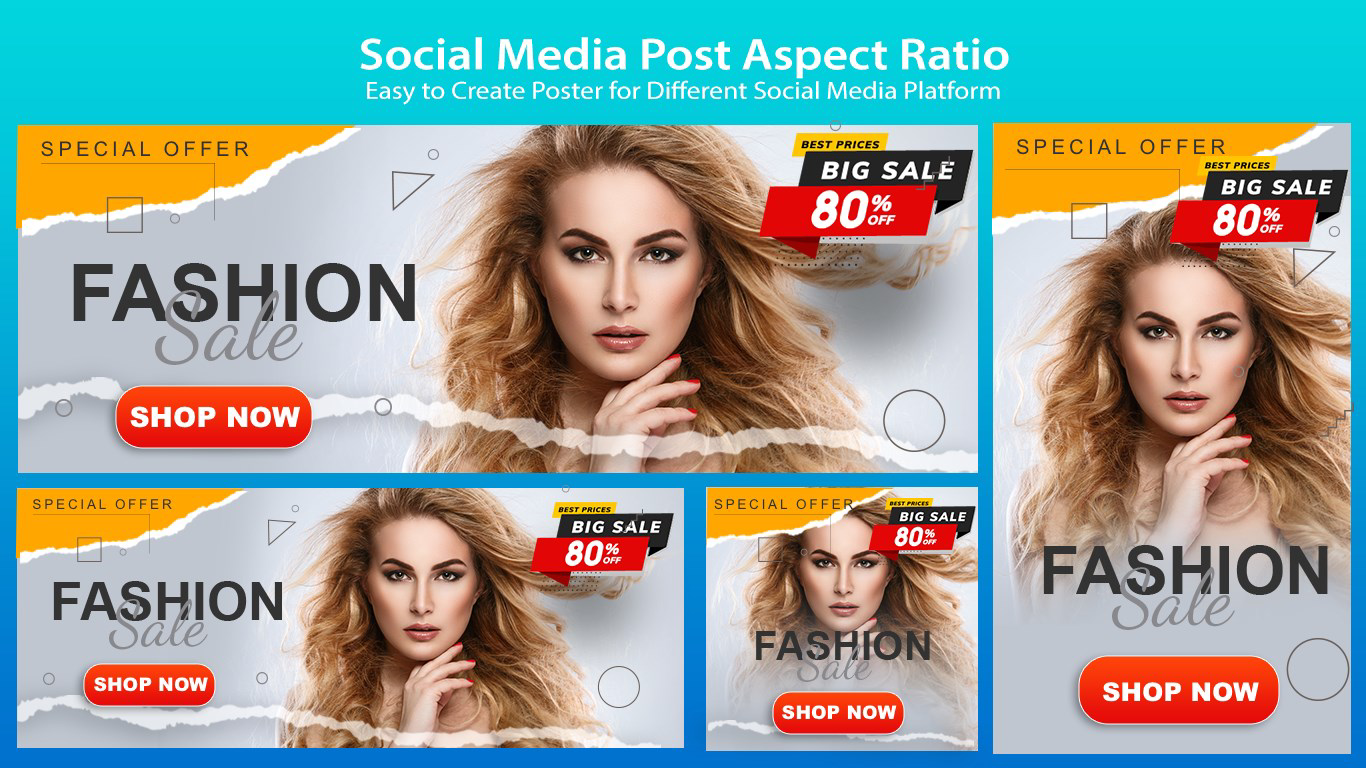
- One-Click Sizing: Instantly adjust poster dimensions to match specific print or digital requirements, eliminating manual resizing and ensuring consistent output across platforms.
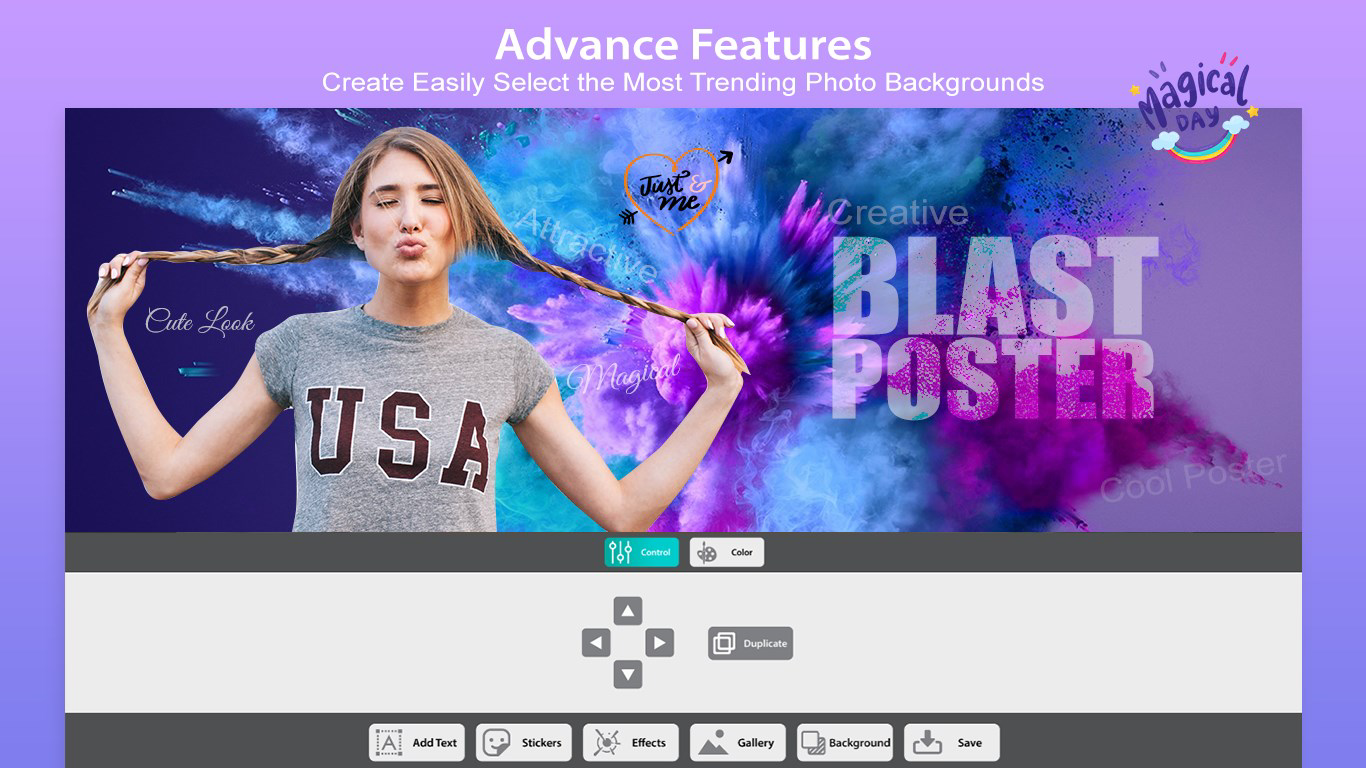
- Drag-and-Drop Customization: Easily place and arrange text, images, stickers, and backgrounds using an intuitive interface that supports real-time adjustments.
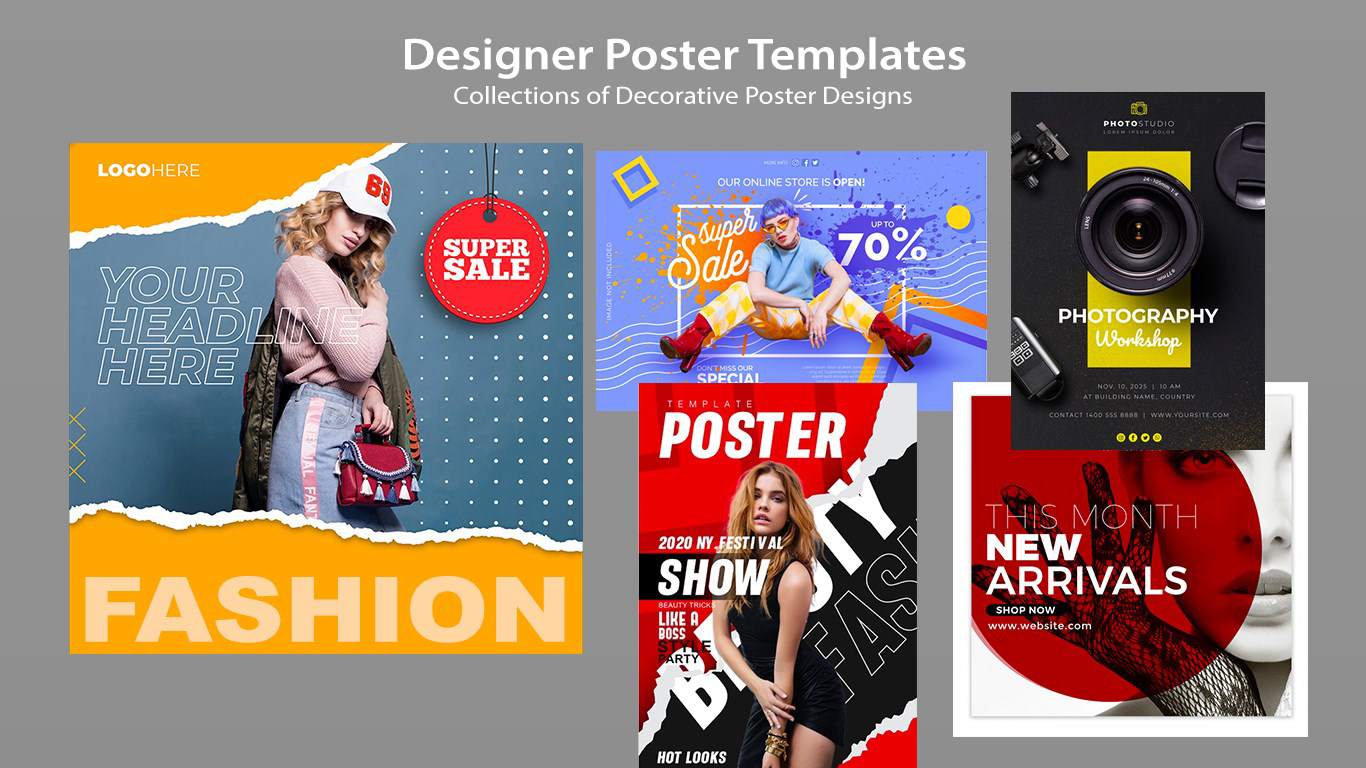
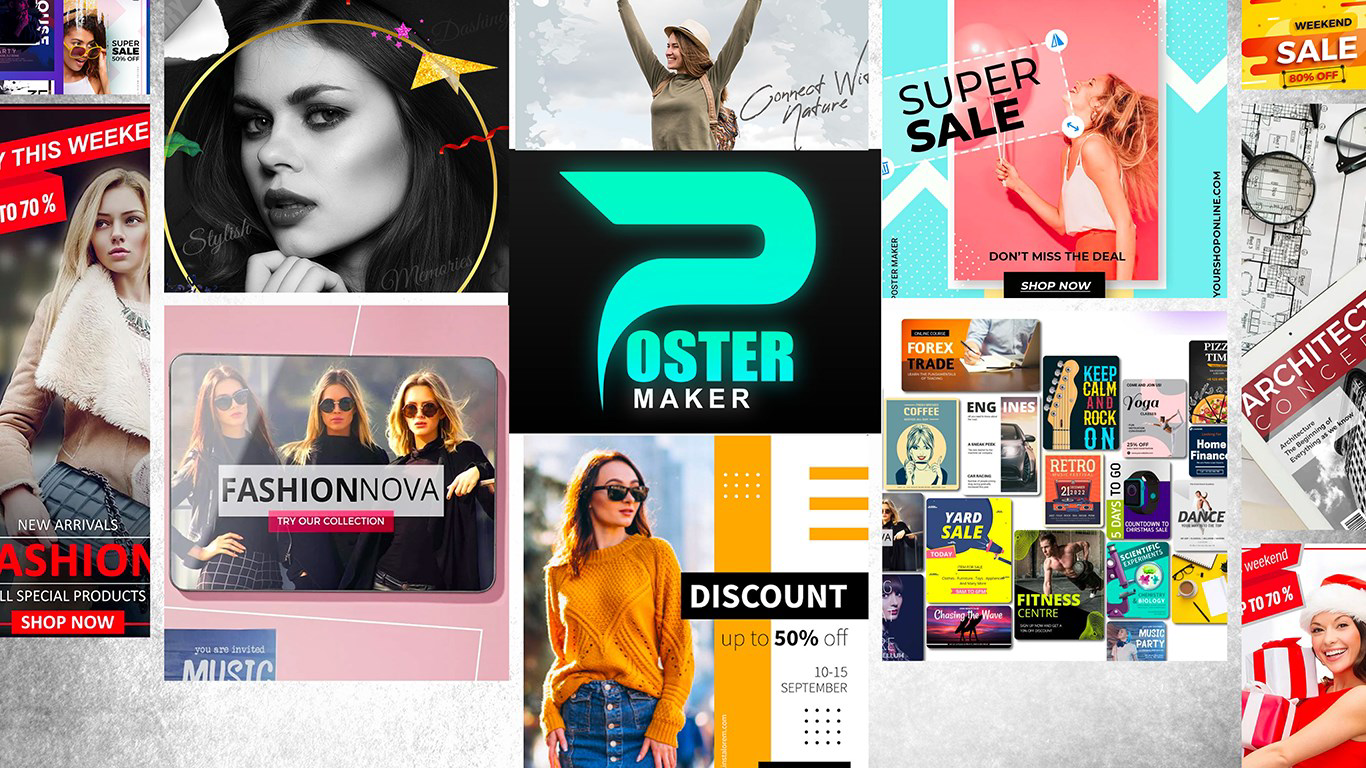
- Template Library: Access a curated collection of design templates tailored for flyers, posters, and social media posts, enabling rapid creation without starting from scratch.
- Multi-Platform Optimization: Create content optimized for TikTok, Facebook, Twitter, and other platforms by selecting pre-defined aspect ratios and layout guidelines.
- Image Integration: Import photos from the device gallery and incorporate them into designs with simple touch controls, allowing for personalized and context-specific visuals.
- Font and Styling Tools: Choose from a range of fonts and apply styling options such as color, size, and alignment to enhance readability and visual appeal.
For example, a local café owner can use the app to design a weekly promotion flyer in under five minutes, selecting a pre-made template, adding their logo and event details, and exporting it for print or digital sharing. Similarly, a student organizing a campus event can create a vibrant poster using available stickers and backgrounds, then share it directly on social media. The app’s focus on speed and simplicity makes it suitable for time-sensitive tasks where visual impact is crucial.
Interface, UX & Performance
The app features a clean, visually organized interface that prioritizes ease of navigation. Design elements are laid out in a logical hierarchy, with toolbars and menus positioned for quick access. The visual style is modern and minimalistic, reducing clutter and helping users focus on the creative process. Navigation is straightforward, with intuitive gestures such as tapping, swiping, and dragging to manipulate design components.
Although the developer did not list formal performance metrics, the app appears to be optimized for smooth operation across a range of device categories. Users can expect responsive interactions, with minimal lag during image loading and layout adjustments. Stability is maintained through consistent state handling, ensuring that changes are preserved during editing sessions. The app does not appear to consume excessive memory or battery during typical use, which contributes to a reliable user experience. However, specific requirements were not listed, so compatibility with older devices or low-end hardware remains unconfirmed.
Platform Compatibility & Technical Requirements
Poster Maker & Flyer Designer is available on Android and iOS platforms. The app supports the latest versions of both operating systems, though the developer did not specify minimum OS requirements. The current software version is 2.0.1, and the file size is 48.7 MB. This relatively compact size suggests efficient code optimization and minimal resource usage, which benefits users with limited storage capacity. The app is designed for mobile devices, with no indication of tablet or desktop support. Compatibility information was not fully disclosed, so users should verify system requirements through their respective app stores before installation.
Pros and Cons
- Effortless creation of professional-looking posters and flyers
- Intuitive drag-and-drop interface suitable for beginners
- Pre-designed templates for quick and consistent output
- Optimized for social media platforms with multiple aspect ratios
- Supports image import from device gallery
- Minimal learning curve, ideal for non-designers
- No detailed information on offline functionality
- Specific device compatibility details were not provided
- Advanced editing tools may be limited compared to desktop software
- Dependence on in-app resources may affect long-term usability
- Updates may introduce changes without clear changelogs
FAQ
Is Poster Maker & Flyer Designer free to download?
The app is available for download on both Android and iOS platforms. While the core functionality appears to be accessible without cost, the developer did not specify pricing details beyond the current version.
Can I use the app offline?
Specific offline capabilities were not disclosed. Users should check the app’s settings or documentation to determine if design work can be saved and edited without an internet connection.
Does the app support exporting to multiple formats?
Although export options were not explicitly listed, the app’s focus on social media and print-ready output suggests it likely supports common formats such as PNG and JPEG for sharing and printing.
Are there in-app purchases or ads?
The developer did not provide information about monetization strategies. Users may encounter in-app purchases or advertisements, but this was not confirmed in the available data.
How often is the app updated?
Version 2.0.1 was released on November 17, 2020. The frequency of updates has not been disclosed, so users should monitor the app store for new releases and improvements.
Final Thoughts
Poster Maker & Flyer Designer stands out as a practical solution for users who need to produce polished visual content quickly and efficiently. Its emphasis on simplicity, accessibility, and multi-platform readiness makes it a strong choice for individuals and small teams without access to professional design tools. The app successfully balances ease of use with meaningful customization, allowing even non-designers to create compelling posters and promotional materials. While detailed technical specifications and advanced features remain unspecified, the app delivers consistent value in its core purpose: empowering users to design with confidence.
Those who frequently create flyers, event announcements, or social media visuals will benefit most from this tool. Whether used for a neighborhood fundraiser, a school project, or a small business promotion, Poster Maker & Flyer Designer offers a streamlined path to professional results. For users seeking a reliable, mobile-first design assistant, this app represents a smart investment of time and effort.
Download Poster Maker & Flyer Designer now


